
CHATR+ for Android
TalentXcel Services Pvt Ltd • Verified Publisher
100% Virus-Free & SHA-256 Verified. If prompted with "File might be harmful", tap "Download anyway".
App Preview & Real Screenshots
Verified Native Android Build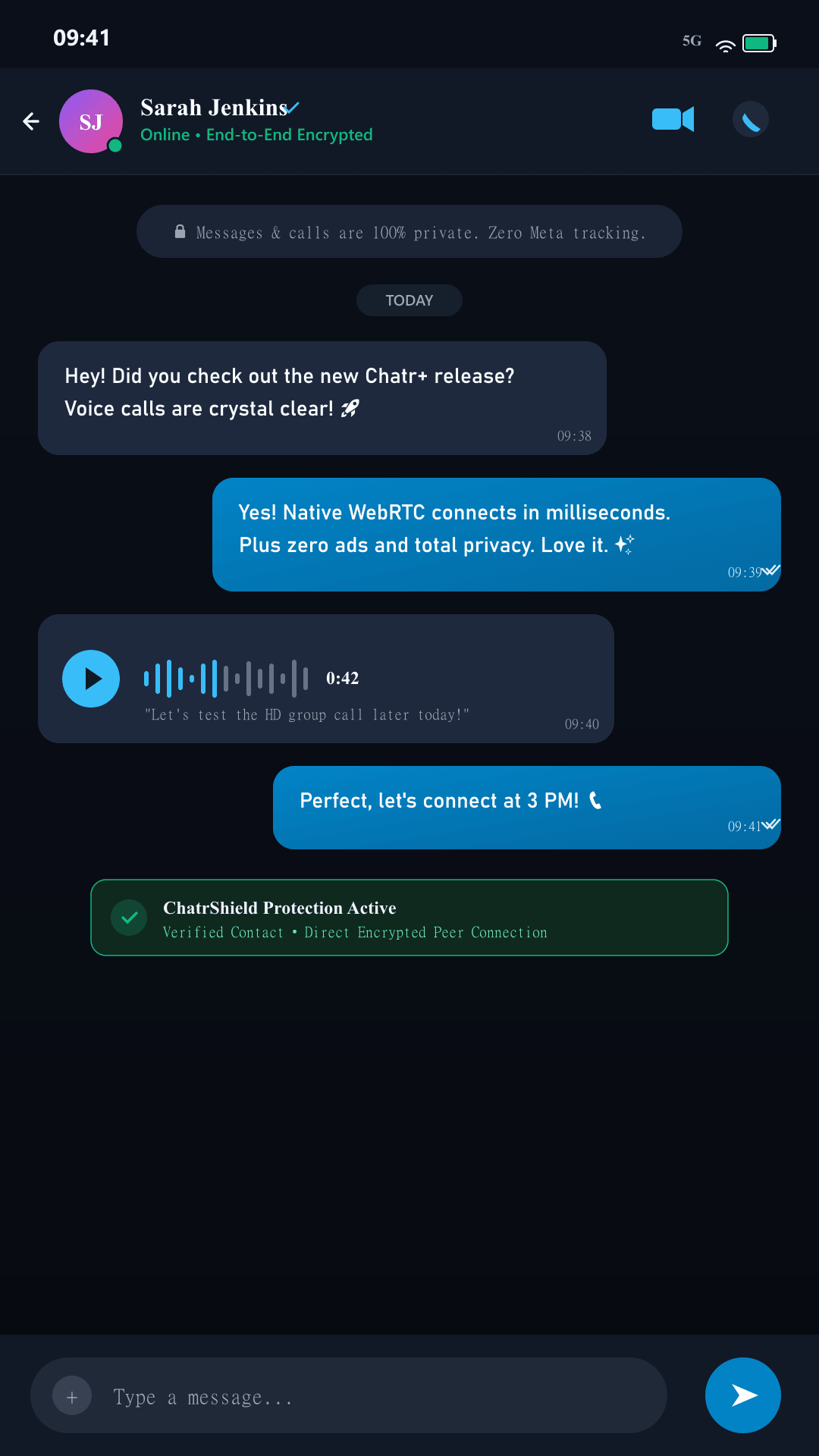
Private Messaging
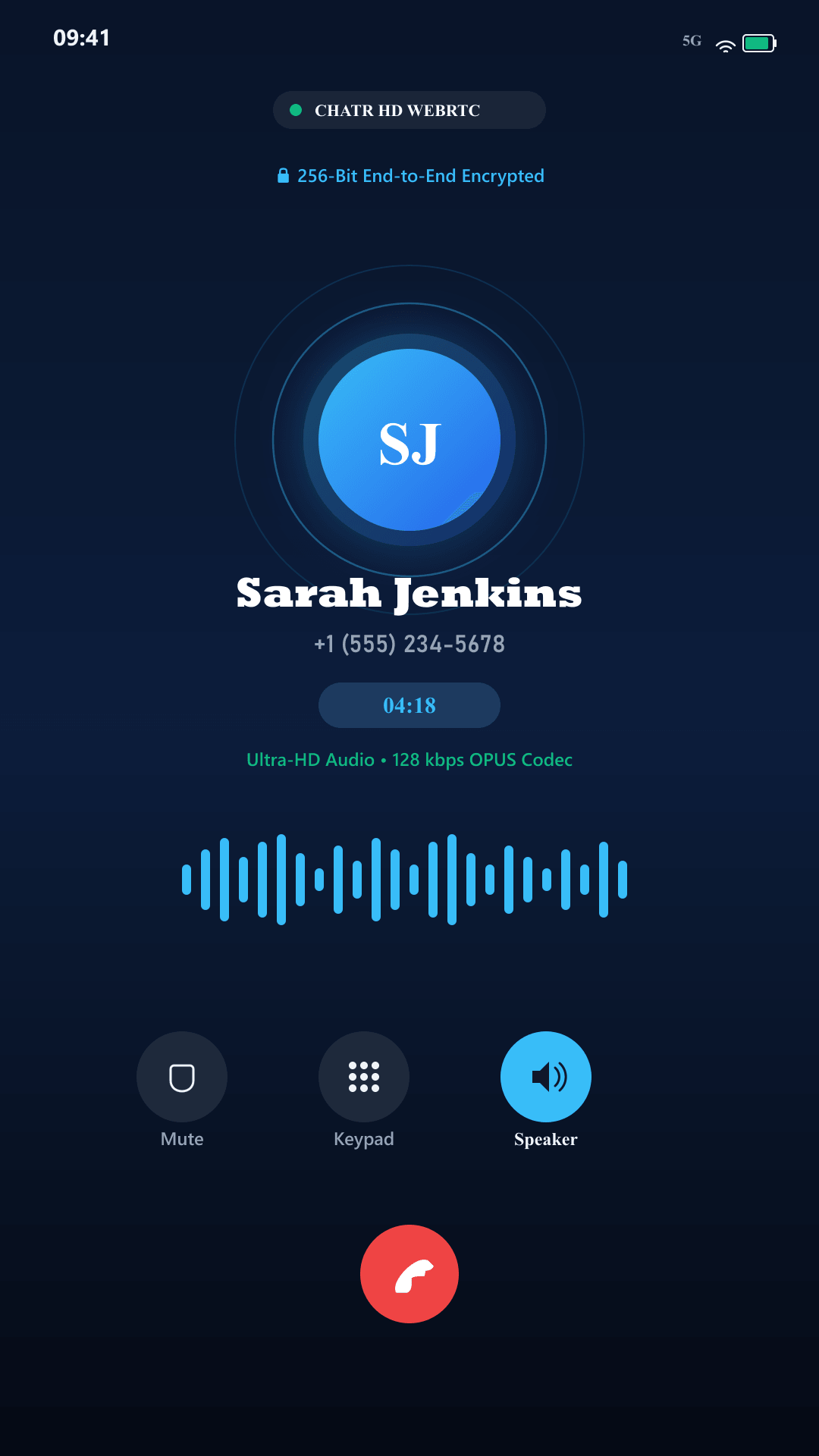
HD WebRTC Calls
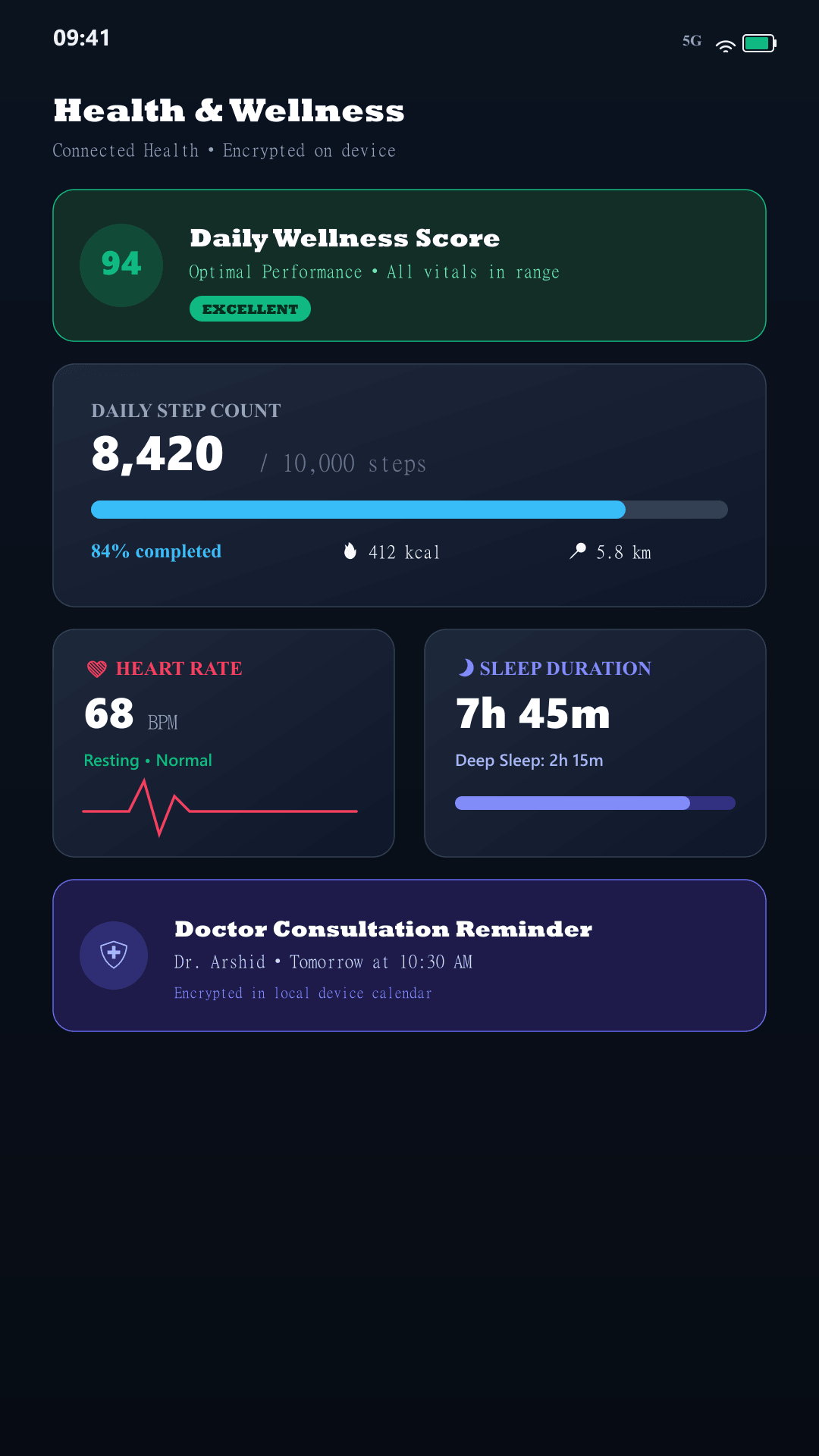
Health & Wellness
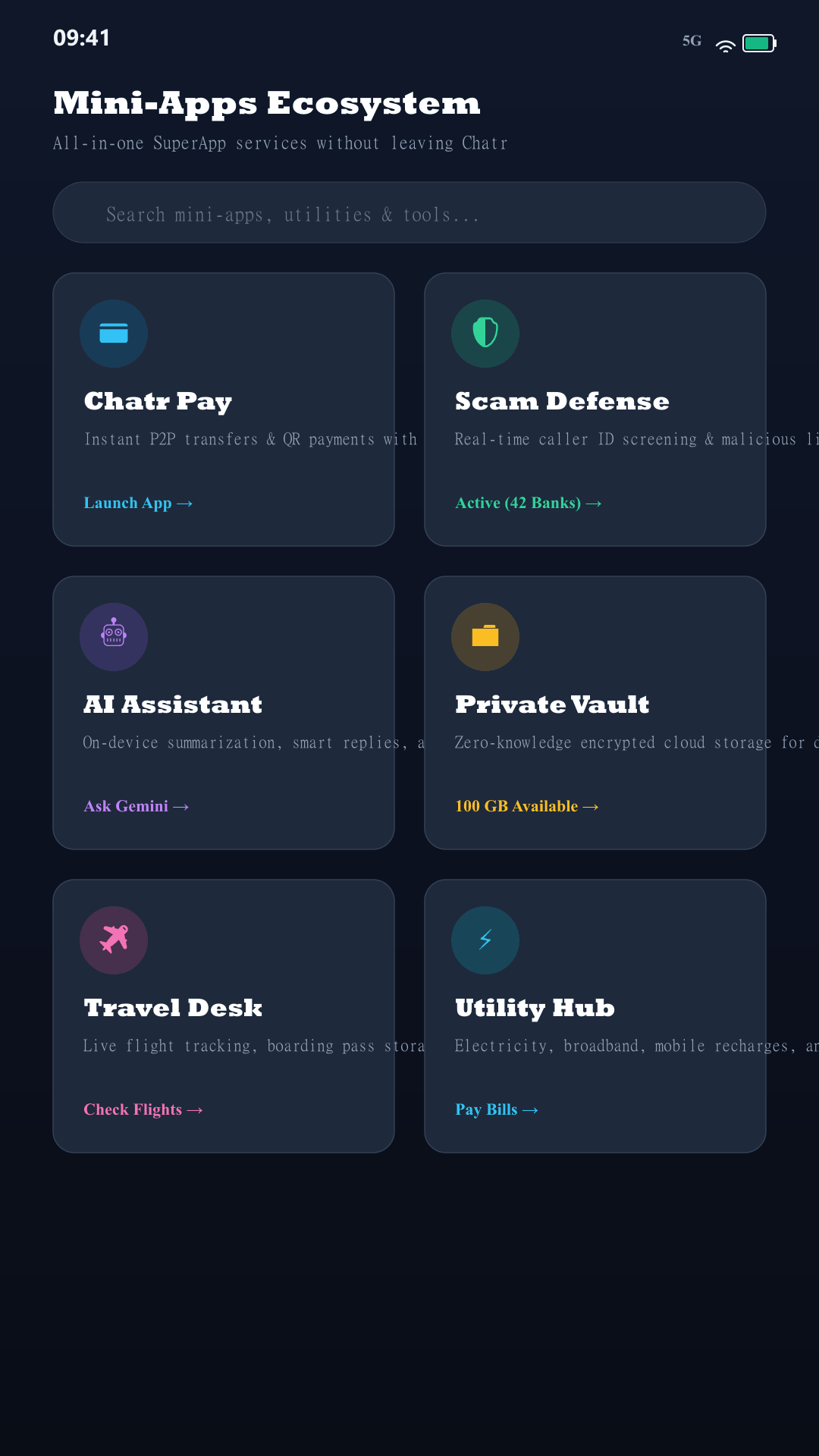
Mini-Apps OS
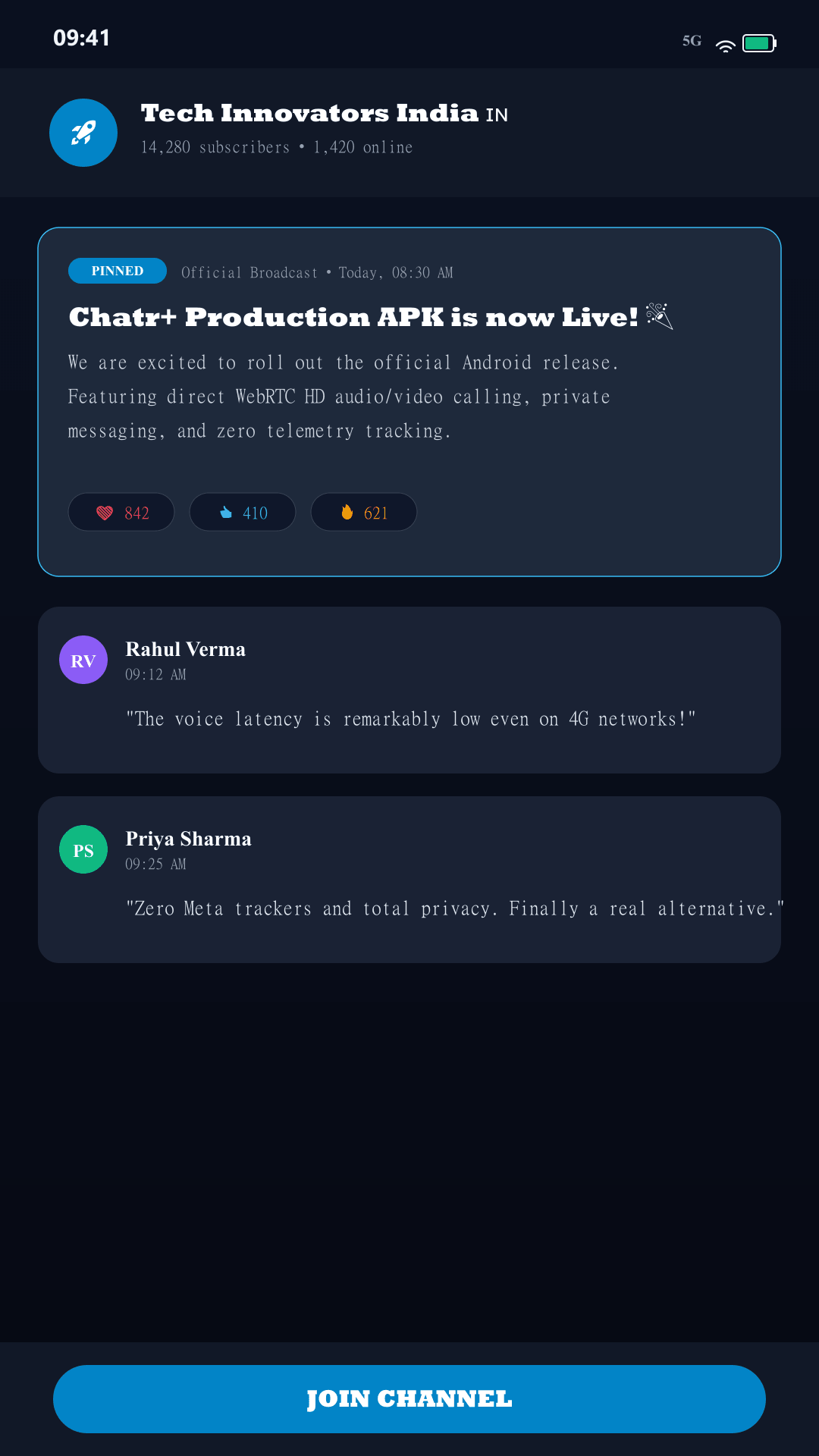
Communities
Direct Answer: How to Download & Install CHATR on Android
You can download CHATR+ directly from our official website without using Google Play Store by downloading the verified APK at https://www.chatrchat.in/download/Chatr-Plus.apk. Once downloaded, tap the file, tap "Download anyway" when prompted by your browser, enable "Allow from this source" in Android Settings if needed, and tap "Install". CHATR+ requires Android 8.0 or higher, uses carrier-grade WebRTC calling over lock screen, and features complete privacy with zero Meta surveillance.
How to Install Chatr-Plus.apk on Android
Tap "Download Official APK" to begin saving Chatr-Plus.apk.
Tap "Download anyway" when Chrome displays the standard file warning.
Wait for download to reach 100%, then tap "Open" from the notification shade.
Tap Settings → enable "Allow from this source" → tap back.
Tap "Install". Launch CHATR+ and enjoy private calling and chat!